Skolkovo Technopark Tours
Booking site for Skolkovo Technopark tours: pick a date, see free places, book and pay by card.
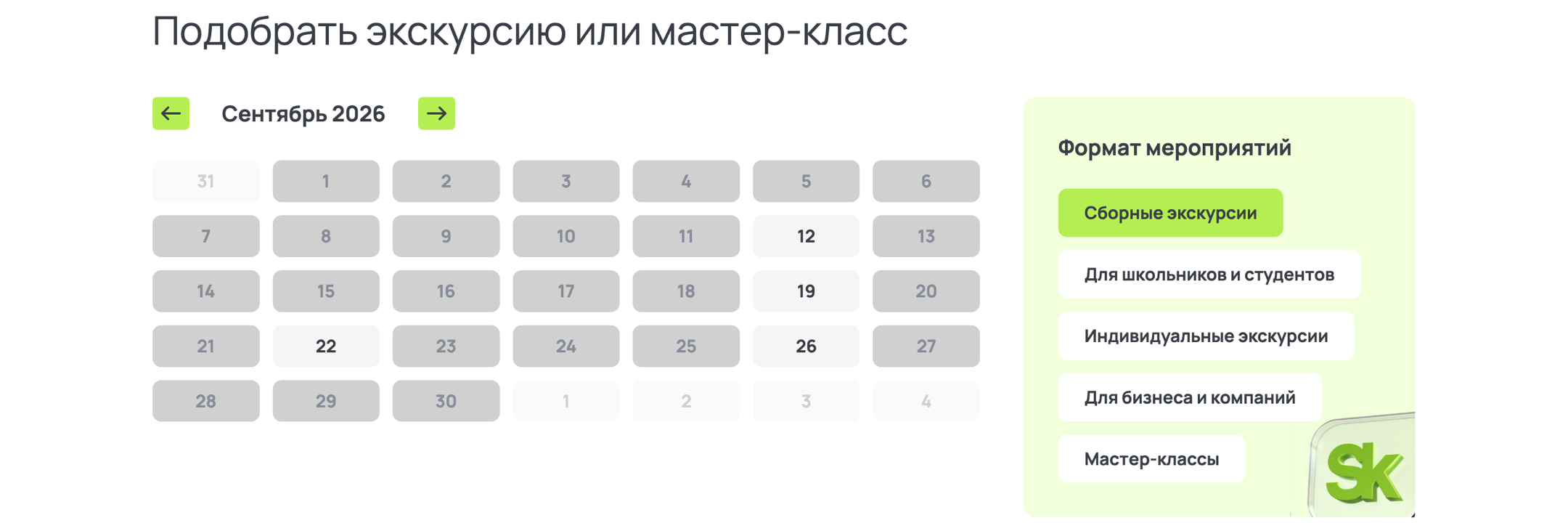
Screens from the public tptour.sk.ru website: calendar, programme catalogue and mobile layout.
Fullstack · website and booking
My role
I build and maintain the entire website: the Next.js interface, server routes for bookings and payments, and content models in Strapi.
- Finding a tour
- Calendar, tour formats and availability
- Booking and payment
- Bitrix24 bookings and CloudPayments integration
- Content management
- Editing programmes, prices and schedules in Strapi
The business problem
Bookings by phone and email required staff to reconcile schedules, group sizes and payments manually. Visitors needed an available session they could book directly. Managers needed to update programmes, prices and schedules themselves.
Finding a tour
Choosing a tour date and programme
Visitors select a date and format, then see available programmes, age restrictions, language and price without an exchange of emails.
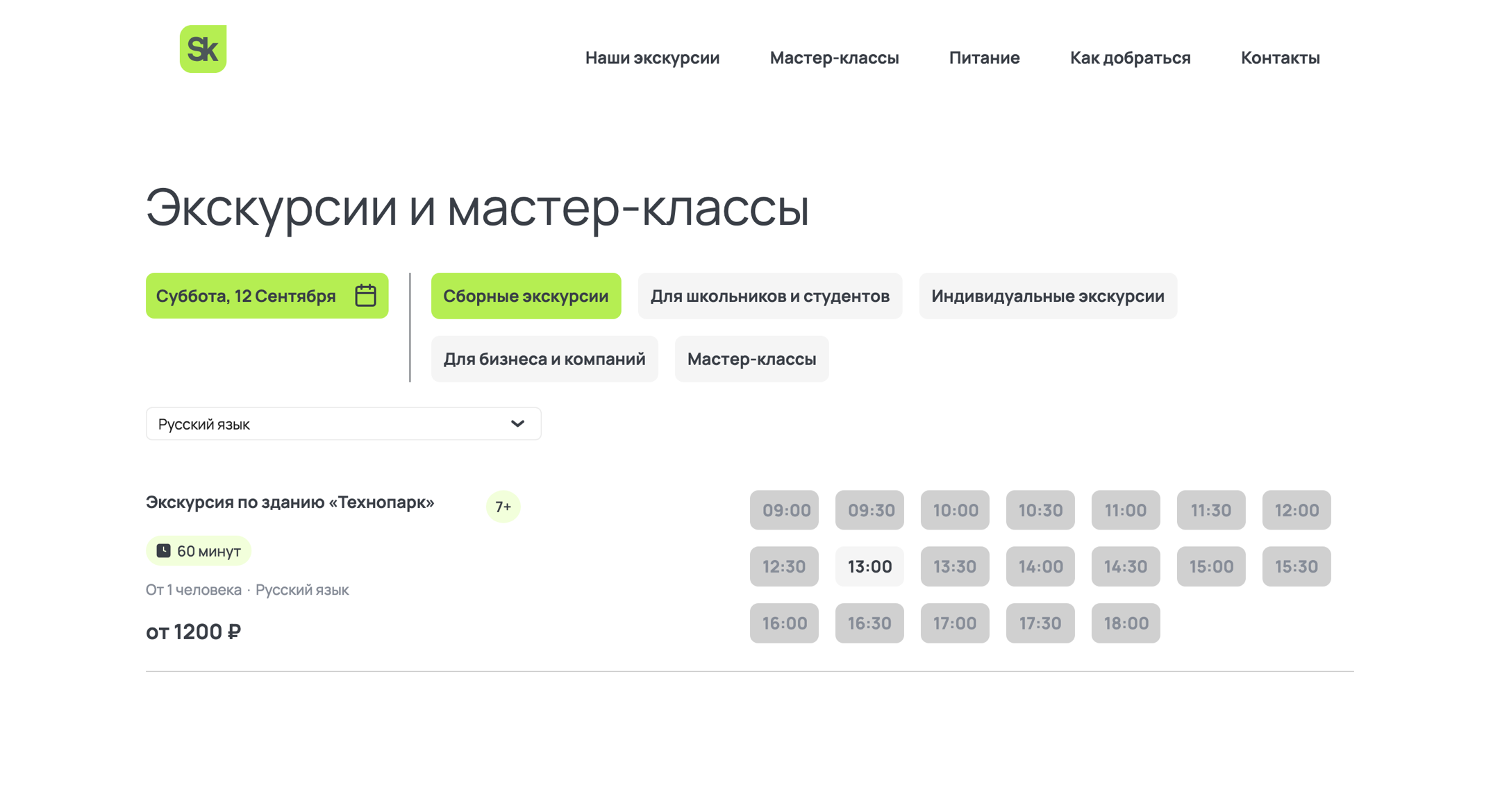
Selection lives in the URL
The calendar and filters are held in MobX and synchronised with URL parameters. A link opens the same date and format for another visitor.
Server-rendered catalogue
The homepage and catalogue render on the server. Programmes arrive in the HTML, with the interactive calendar added on the client.
Booking and payment
Booking a session and paying by card
After choosing a session, visitors fill in their booking details and pay by card. Server routes send the booking to Bitrix24 and handle payment status from CloudPayments.
Session
Select an available date and time.
Application
Collect the details required for booking.
Payment
Pay by card in the CloudPayments widget.
Processing
Send the application to Bitrix24. Receive payment status through a separate callback.
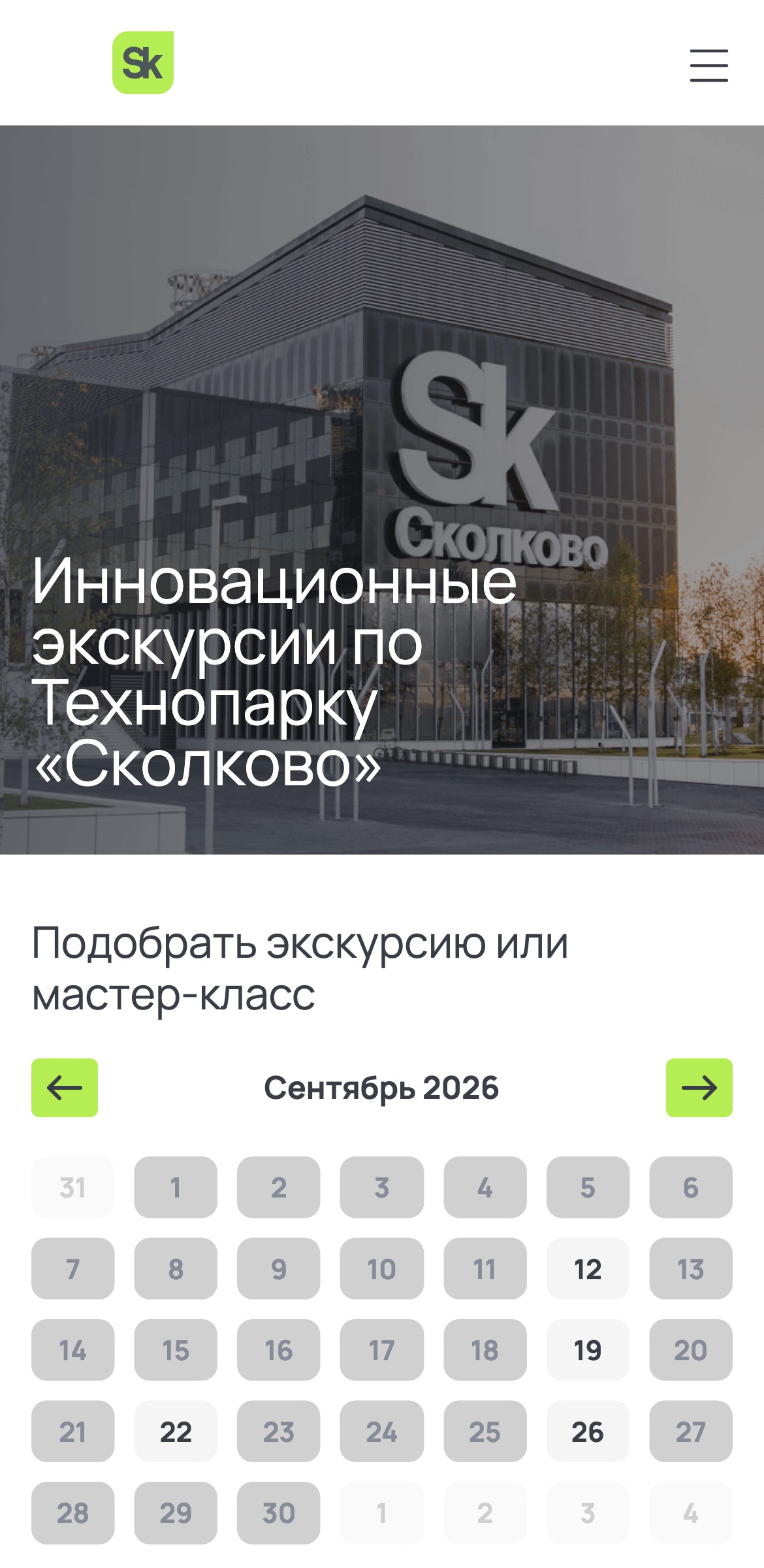
Calendar and catalogue on mobile
On phones, the calendar, filters and session list use a single-column layout.
Engineering details
Payment callback
Payment status arrives independently of the visitor’s actions in the browser. A server route handles it.
CRM, payment and CMS integrations
Next.js connects booking to external services: Bitrix24 receives applications, CloudPayments processes payments, and Strapi stores programmes and schedules.
Content management
A catalogue the team can update
Programmes, locations, workshops, prices and schedules are modelled in Strapi. Updating content does not require component changes or a frontend release.
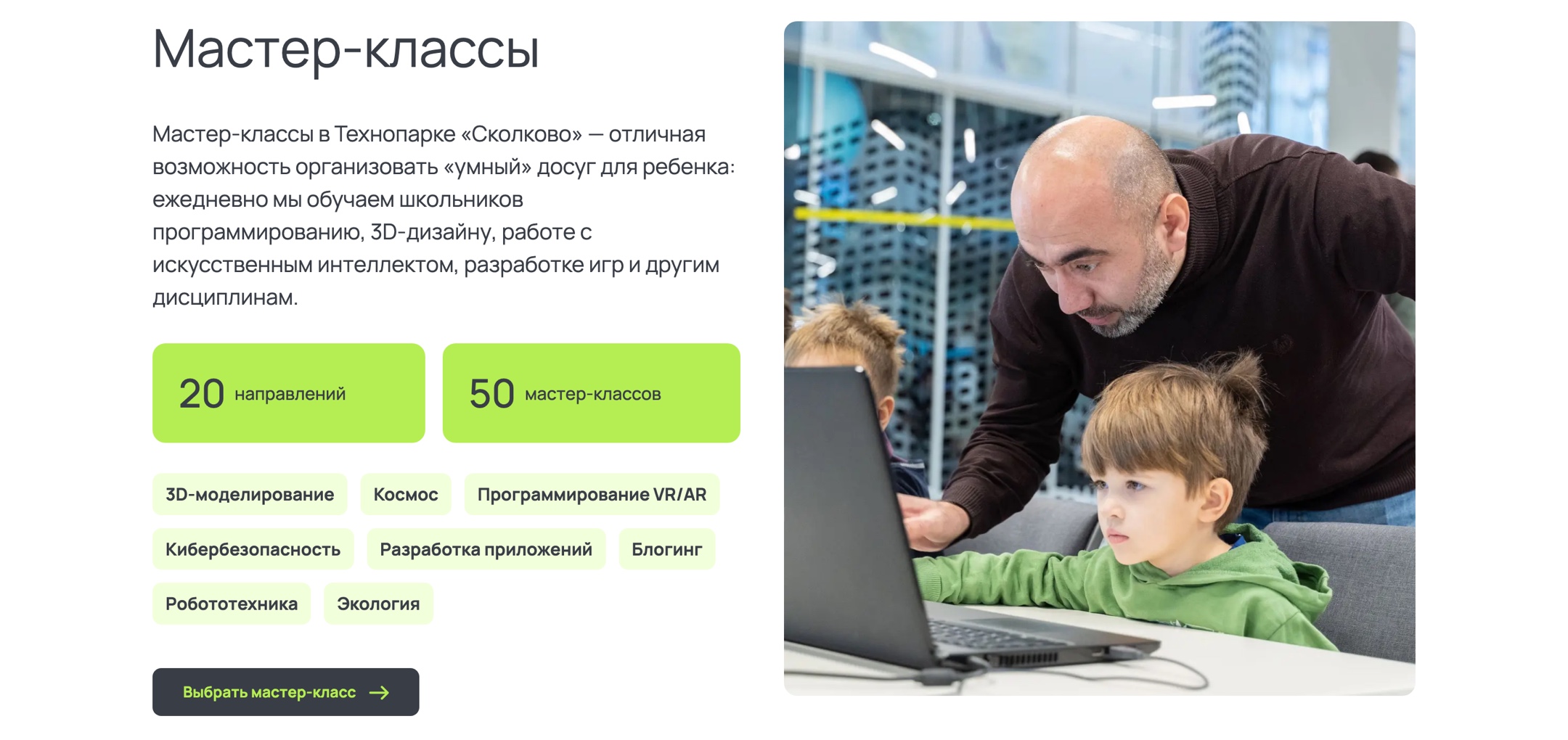
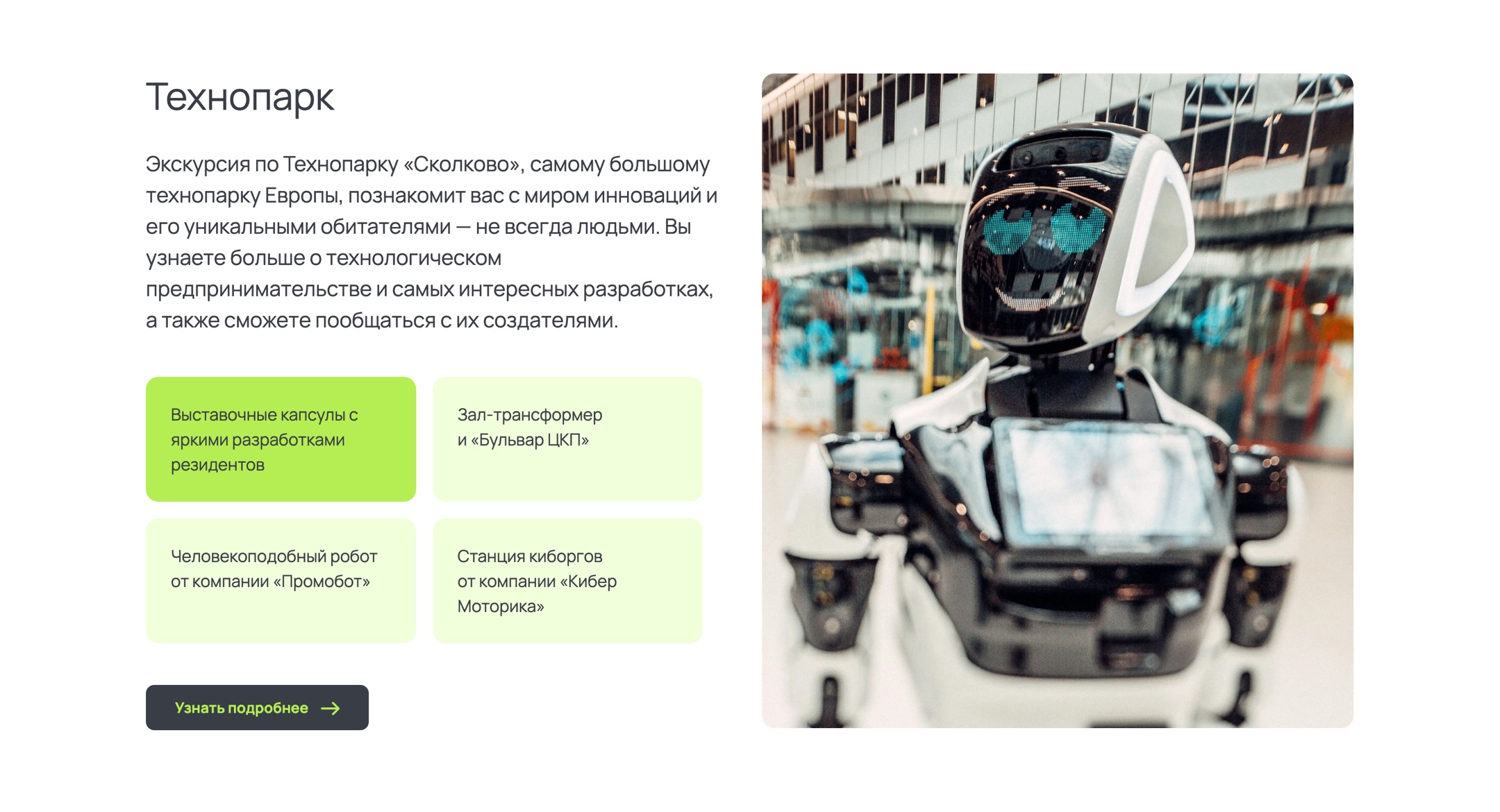
Programmes and categories from the CMS
Managers edit tours and workshops in Strapi. The website uses that data to display categories and programme counts.
Switching programmes without a page reload
Technopark, Dive in, the quest and the Innovation Centre switch on the same page without a full reload.
Outcome
Tour booking and payment website
I built a website where visitors choose a programme, book a session and pay for a tour. The Skolkovo team updates the schedule, prices and catalogue in Strapi.
- 50
- workshops across 20 subjects. Managers add them in Strapi themselves
Stack
- Next.js
- TypeScript
- MobX
- Strapi
- SCSS Modules
- CloudPayments
- Bitrix24